PowerBi

Microsoft Just Released 9 Power BI Features That Will Change How You Work

Microsoft Just Released 9 Power BI Features That Will Change How You Work

You open a Power BI report and ask Copilot to summarise it. It reads every visual and gives you a concise breakdown of trends, highlights, and notable changes across the entire report. One click. No prompt engineering. No manual interpretation.

That is one of several updates
Microsoft released this month that remove steps professionals have been doing manually for years.

Microsoft Just Released 9 Power BI Features That Will Change How You Work Read More »

Power Query vs DAX: How to place logic correctly in Power BI

Power Query vs DAX: How to place logic correctly in Power BI

Many Power BI issues do not start with poor visuals or weak calculations. They start much earlier, when logic is placed in the wrong layer. Reports become slow, models turn confusing, and small changes take longer than they should. The question of whether logic should live in Power Query or DAX is not technical trivia. It directly affects performance, clarity, and long-term usability.

This blog explains how to think about that decision in a practical way.

Power Query vs DAX: How to place logic correctly in Power BI Read More »

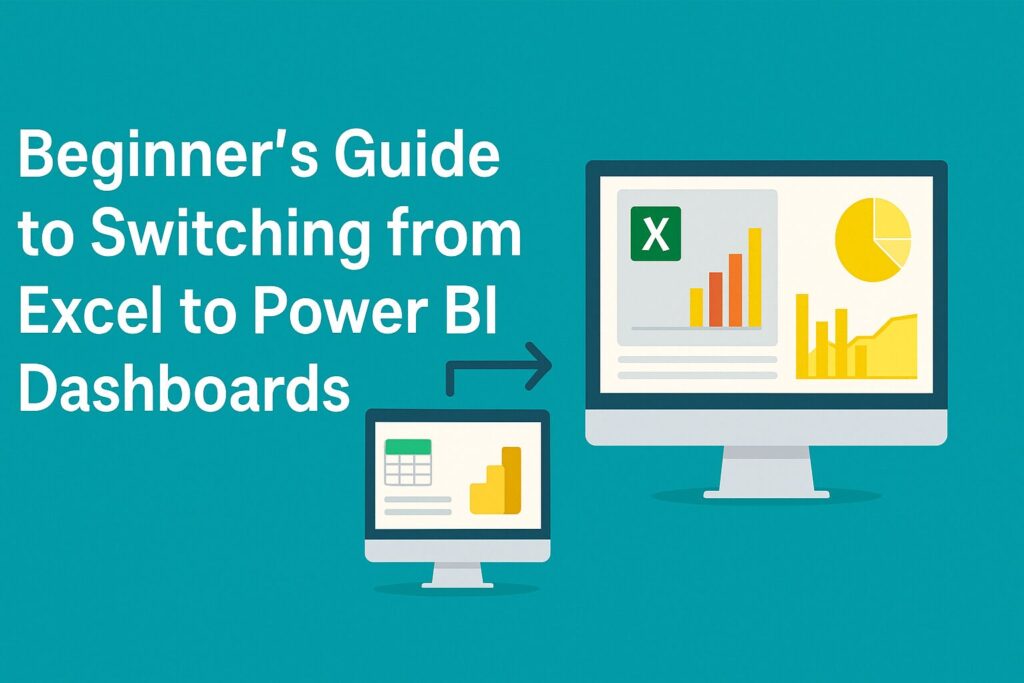
Beginner’s Guide to Switching from Excel to Power BI Dashboards

Beginner’s Guide to Switching from Excel to Power BI Dashboards

If you’ve ever juggled 15 Excel files, 10 pivot tables, and 5 charts just to answer one client’s question then you’re not alone. Many professionals begin their data journey in Excel, and for good reason: it’s powerful, familiar, and flexible. But as your data grows and reporting needs scale, Power BI becomes a natural next step and not a replacement, but an evolution.

Let’s walk through the journey from Excel to Power BI, the mindset shift it involves, and how to make the most of both tools together.

Beginner’s Guide to Switching from Excel to Power BI Dashboards Read More »